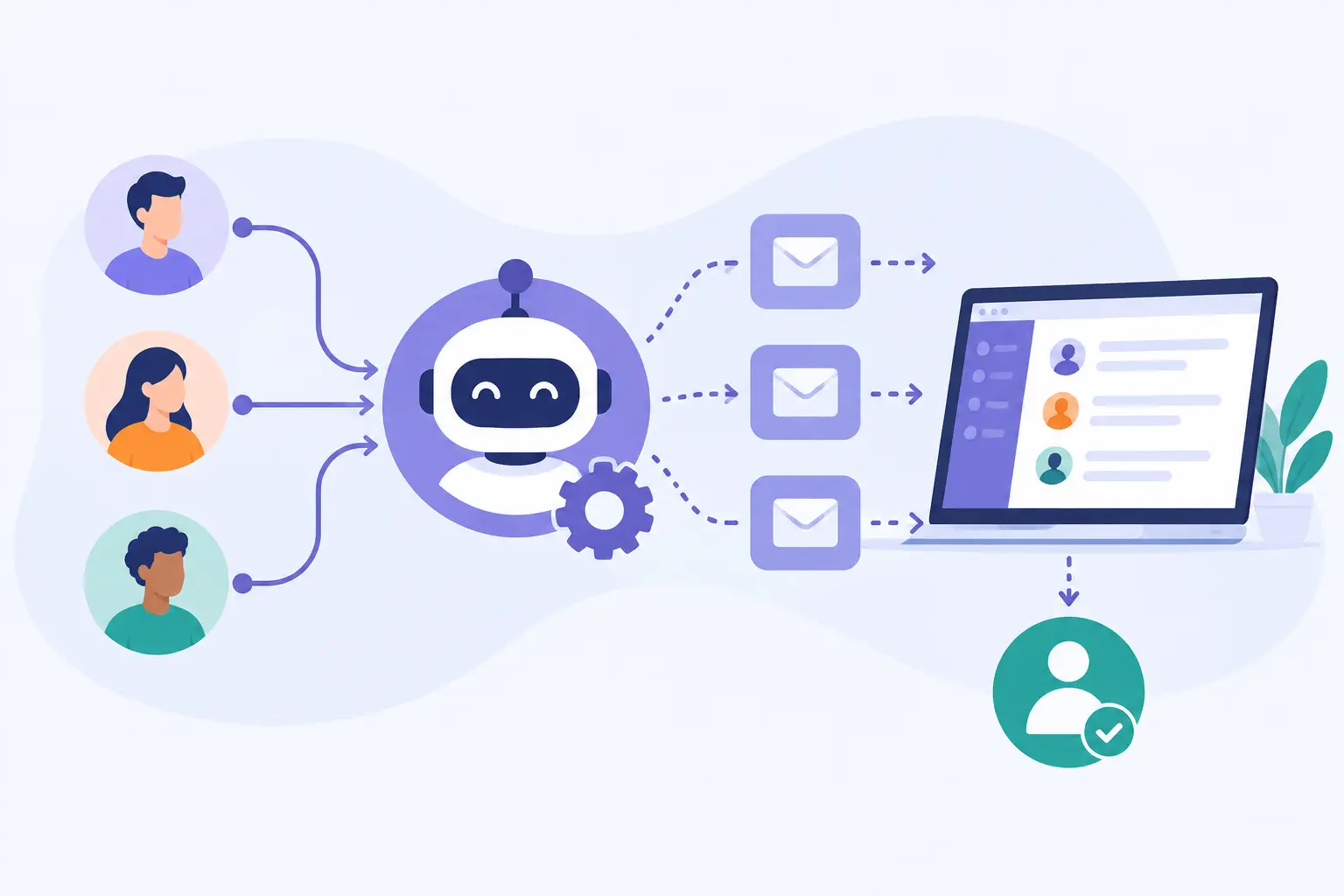
A new inquiry can lose momentum long before a salesperson decides it is not a fit. The usual problem is simpler: the lead receives no timely response, gets a generic message, or is handed between marketing and sales without a clear next step. Learning how to automate lead follow-up with EngageBay helps growing teams create a dependable response process without asking staff to manually track every form submission, email reply, and site visit.
Automation should not mean removing people from the sales process. It should handle predictable tasks - acknowledging interest, sharing relevant information, creating follow-up tasks, and routing engaged prospects - so your team can focus its time on qualified conversations. For small and mid-sized businesses, the value comes from consistency: every lead receives appropriate attention, and no one has to rely on memory or an overloaded inbox to keep opportunities moving.
Follow-up automation starts with a clear process
Before building a workflow, define what should happen after a lead enters your system. Many teams begin with software settings and only later discover they have not agreed on who owns a lead, what qualifies it for sales outreach, or how long a prospect should receive nurture messages.
Start by mapping the paths your leads actually take. A person who requests a demo needs a different follow-up than someone who downloads a planning guide. A former customer who submits a support-related inquiry should not be placed into a new prospect campaign. These distinctions are where automation either becomes useful or creates confusion.
For each major lead source, establish four operational decisions: the immediate response, the owner of the next action, the criteria for escalation, and the point at which automated messages should stop. This creates a process that EngageBay can support rather than a collection of disconnected emails.
It also prevents a common issue with CRM automation: both a sales representative and a workflow send similar messages at the same time. Automation needs clear boundaries. If a lead replies, books a meeting, becomes a customer, or is marked as unqualified, the system should update the path accordingly.
How to automate lead follow-up with EngageBay
Define the lead data you need
Begin with a small set of fields, tags, and lists that reflect real business decisions. Useful data often includes lead source, area of interest, company size, location, lifecycle stage, assigned owner, and requested service. Do not create fields merely because they are available. Every field should help determine the next communication, assignment, or reporting outcome.
Use consistent naming from the start. For example, decide whether the lifecycle stage will be labeled “New Lead,” “Marketing Qualified,” and “Sales Qualified,” or another set of terms that matches your team’s process. Inconsistent labels make reports unreliable and can cause workflows to miss the contacts they should handle.
EngageBay can collect and organize information from forms, imports, and contact activity. The key implementation task is making sure those sources map into the same structure. A lead from a website form and a lead added after an event should not require separate manual processes just because they entered the platform differently.
The first automation should be straightforward. When a contact submits a high-intent form, send a confirmation email quickly, assign an internal owner where appropriate, and create a task for the next human action. The confirmation should tell the prospect what happens next rather than simply saying, “Thank you for contacting us.”
For example, a demo request might receive an email confirming receipt and offering a scheduling option, while the assigned representative receives a task to review the contact record within one business day. A content download might trigger a more educational message and place the contact into a nurture path instead of immediately creating a sales task.
Keep the first email useful and specific. A vague acknowledgment does little to build confidence. If the prospect requested help with onboarding, implementation, or a particular service, reference that request and explain the expected response timeline.
Use time delays and behavior to guide the next step
A good follow-up sequence accounts for both time and behavior. If a new lead does not open the first email, a later message can use a different subject line or offer a simpler next action. If the lead clicks on implementation information, visits a pricing-related page, or replies to an email, that activity may justify a faster sales follow-up.
Avoid treating every engagement signal as a buying signal. An email open alone is not necessarily evidence that a prospect is ready for a call. Use multiple indicators when possible, such as form submissions, repeat site activity, email clicks, and stated interest. This keeps sales teams from receiving a stream of low-value alerts.
A typical nurture workflow may include an immediate confirmation, a helpful follow-up several days later, and a final check-in after another interval. The exact cadence depends on your sales cycle. Businesses selling a lower-cost service may need a shorter sequence, while a solution that involves procurement and multiple stakeholders may need thoughtful communication over several weeks.
Route qualified leads without creating handoff gaps
Automation is most valuable when it improves internal accountability. Set routing rules based on factors your business already uses, such as territory, product interest, account size, or existing customer status. Then use EngageBay to assign the contact or create a follow-up task for the responsible person.
The assigned team member should receive enough context to act. That means the contact record should show the original inquiry, campaign source, recent engagement, and any details collected through the form. A task that says only “Call lead” forces staff to search for information and slows response.
Build an escalation rule for leads that do not receive timely attention. Depending on your staffing model, an overdue task might notify a manager, reassign the lead, or place it in a review queue. The right approach depends on team size. A two-person sales team may need simple visibility, while a larger organization may benefit from formal reassignment rules.
Stop or change automation when the relationship changes
The most damaging automated messages are often the ones sent after a prospect has already taken action. A person who schedules a consultation should not continue receiving reminders to schedule one. A new customer should leave prospecting campaigns and enter onboarding communications. A contact who opts out must be excluded from future promotional sends.
Build exit conditions into each workflow. Use contact status changes, deal stages, appointment activity, replies, or tags to remove people from the sequence or move them into a more appropriate one. This is especially important when marketing, sales, and service teams work from the same contact database.
For businesses that resell or implement SaaS products, the handoff from sales to onboarding deserves particular attention. The sale is not the end of the customer journey. A well-designed automation can notify the implementation team, create onboarding tasks, send a welcome message, and confirm what information is still needed before setup begins.
Test the workflow before relying on it
Do not activate a lead workflow without testing it from the contact’s perspective and the employee’s perspective. Use test records to submit forms, trigger messages, check task assignment, and confirm that exit rules work as expected. Review how the messages appear on mobile devices and verify that any personalization fields pull the right information.
Testing should also cover exceptions. What happens if a contact submits the same form twice? What if the assigned employee is unavailable? What if a lead already exists as a customer? These are not edge cases for long. They become routine as your database grows.
Document the purpose of each workflow, its trigger, its exit conditions, and its owner. This makes ongoing maintenance much easier when employees change roles or your sales process evolves. A workflow with no documented owner can continue sending outdated messages for months without anyone noticing.
Measure outcomes, not just activity
EngageBay can help teams see whether contacts are opening emails, clicking calls to action, and moving through stages. Those measures are useful, but they are not the final measure of follow-up quality. Review response time, meetings booked, conversion by lead source, lead-to-customer rate, and the number of leads that receive no human action within your stated service standard.
Look for friction between stages. If many people open follow-up emails but few book meetings, the offer or call to action may need adjustment. If representatives receive qualified leads but do not complete tasks quickly, the issue may be workload, unclear ownership, or a process that asks for too much manual work.
Automation should be reviewed whenever you add a campaign, change a service offering, revise your qualification criteria, or reorganize responsibilities. Platforms support the process you configure; they do not maintain the process for you. MBH Web Services can help organizations connect that day-to-day operational ownership to practical SaaS setup, user adoption, and continued system maintenance.
The best follow-up system is not the one with the most branches or emails. It is the one your team can explain, trust, and maintain while giving every legitimate lead a timely, relevant next step.