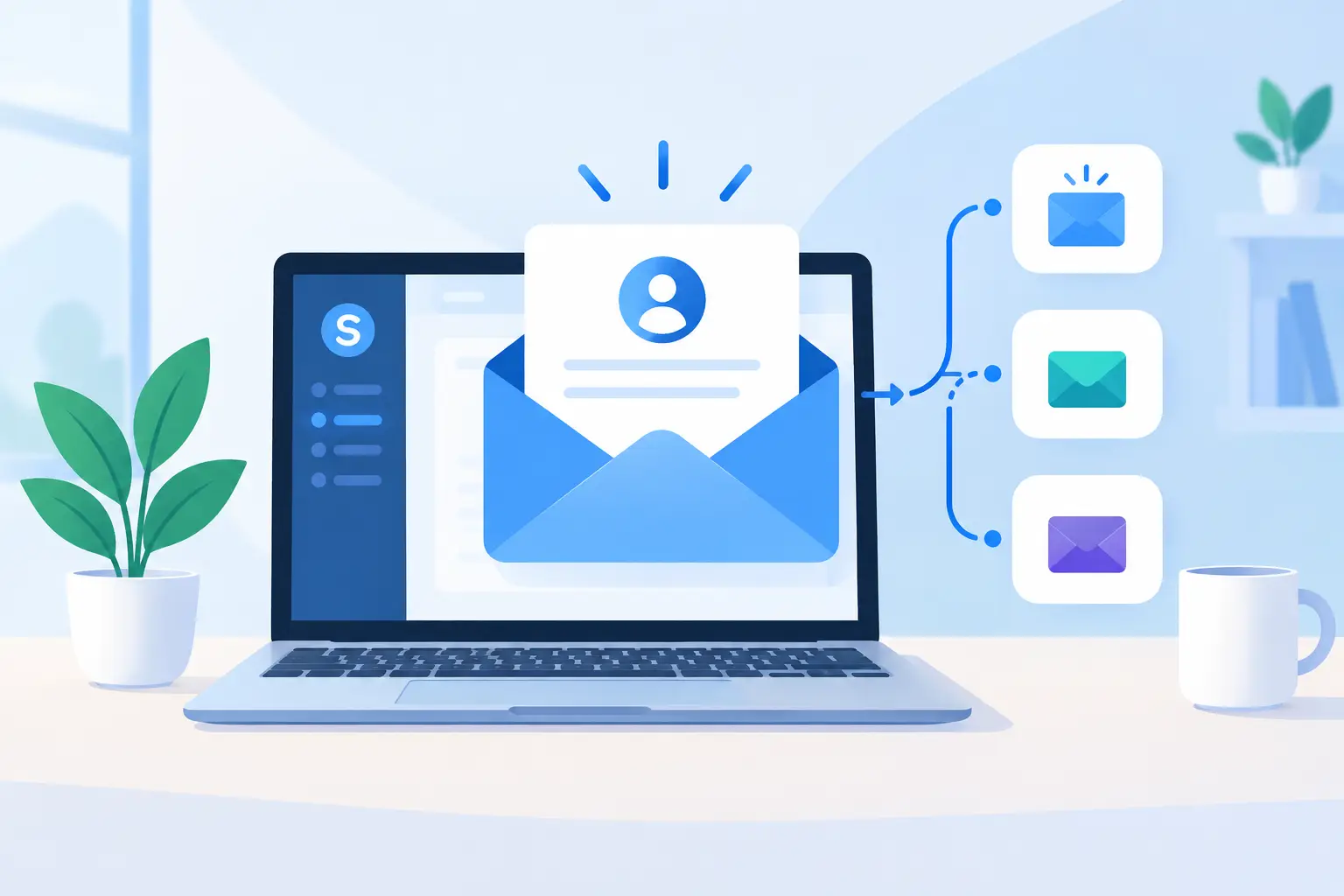
A new contact is most attentive immediately after signing up, downloading a resource, or joining a customer portal. That first email should confirm what happens next, establish confidence, and direct the recipient to one useful action. Knowing how to set up automated welcome emails in Systeme.io helps your team deliver that experience consistently instead of relying on manual follow-up.
For a small or mid-sized business, the goal is not simply to send an email automatically. It is to create a dependable handoff between lead capture, customer onboarding, and the people responsible for sales, service, or implementation. A welcome sequence should reflect the promise that brought the contact in, use accurate sender information, and be reviewed as your offers and processes change.
Start With the Welcome Email's Job
Before opening Systeme.io, define the event that starts the sequence and the outcome you want from it. A prospect who requests a guide may need education and a consultation invitation. A paid customer may need account-access instructions, an implementation timeline, and a clear support contact. Combining these audiences in one generic sequence usually creates confusion.
Write down three decisions: who enters the automation, what they should understand after the first email, and what action they should take next. This gives the automation a business purpose and makes internal ownership clearer.
For example, a service business may trigger a prospect welcome sequence when a visitor completes a funnel form. The first email can deliver the promised resource and set expectations for future messages. A second email, sent a day later, can explain the service approach. A third can offer a call or request a reply. For a customer onboarding path, the messages should focus less on promotion and more on adoption steps, training, required information, and support.
Prepare Your Sending Foundation
A welcome email that lands in spam or displays an unfamiliar sender name undermines confidence from the start. Use a business email address that recipients can recognize and reply to. Configure your sender details in Systeme.io before creating the campaign, and confirm that the sending domain and authentication settings are appropriate for your organization.
Email requirements and available settings can vary by account configuration, so verify the current Systeme.io guidance while completing domain setup. Your operations or IT contact should be involved if DNS changes are required. This is a practical area where ownership matters: marketing may write the messages, but domain records and inbox management often sit elsewhere.
Also confirm that your signup form includes appropriate consent language for the type of messages you plan to send. Transactional onboarding emails and promotional nurturing messages may have different business and compliance considerations. Keep a clear record of what the contact requested and avoid adding unrelated email categories simply because an address was captured elsewhere.
How to Set Up Automated Welcome Emails in Systeme.io
In Systeme.io, automated email delivery generally combines an email campaign with an automation trigger. The campaign holds the messages and timing. The automation connects a contact action, such as submitting a funnel form, to that campaign.
Create the email campaign first
Go to the Emails area and create a new campaign. Give it a name that identifies the audience and purpose, such as “Website Guide Request Welcome” or “New Client Onboarding.” Clear naming becomes more valuable as your team adds funnels, tags, campaigns, and staff members.
Add the first email to the campaign. Use a direct subject line that confirms the signup or request. The message should open by acknowledging the action the person took, then provide the promised item or next instruction without making them search for it.
Keep the first message focused. A prospect may need a download, a booking option, or a short explanation of what will arrive next. A new customer may need a login instruction or a list of implementation details your team will collect. Trying to explain every feature, policy, and offer in one email often reduces response and creates support questions.
Set the delay for the first email to send immediately or with a very short delay. Then add later emails to the same campaign and set their delays based on the customer journey. A one-day interval can work for basic lead nurturing. A more complex B2B implementation may require messages timed around scheduled onboarding meetings, training sessions, or account configuration milestones.
Review each email's sender name, sender address, subject line, preview text if available, and reply-to address. The reply path is not a minor detail. If a recipient responds with a question, someone must own that response.
Connect the campaign to the signup event
Next, open the relevant funnel or automation area in Systeme.io. Select the page and form that collects the contact information. Create an automation rule or workflow using the form submission or funnel-step subscription event as the trigger. Interface labels can change as the platform evolves, but the logic remains the same: when a person completes this form, Systeme.io performs a defined action.
Choose the action that subscribes the contact to the welcome campaign you created. Save the rule and ensure it is active. If you use tags to separate audiences, add the appropriate tag as part of the workflow. Tags can help your team distinguish leads by source, service interest, customer status, or onboarding stage.
Use tags with discipline. A large set of loosely named tags becomes difficult to maintain and can cause contacts to receive overlapping messages. Establish a naming convention, such as “Lead - Webinar” or “Customer - Onboarding,” and document who can create or change automation logic.
Prevent duplicate or conflicting messages
A contact can submit more than one form, return to a funnel later, or already exist in your database. Decide what should happen in each case. Should they restart the welcome series? Should they receive only the first message? Should existing customers be excluded from a prospect campaign?
This depends on your sales cycle and how your funnels are organized. A simple business with one lead magnet may accept a repeat enrollment. A company with multiple product lines or longer account relationships should use tags, segmentation, or separate workflows to prevent repeated introductions and conflicting calls to action.
Test the Workflow Like an Operational Process
Do not assume an automation is working because it appears correctly in the editor. Use a test email address that is not already subscribed to the campaign. Complete the actual form on the published funnel page, then confirm that the contact record appears, the correct tag is applied, and the email arrives as expected.
Check the message on desktop and mobile. Review every button, attached resource, personalization field, and scheduling delay. Reply to the email to confirm that responses reach a monitored inbox. If the campaign includes several messages, verify the timing over the full sequence rather than testing only the first send.
It is also wise to test exceptions. Submit the form twice. Use an address that is already on your list. Test the process after a team member updates the funnel page. These scenarios reveal the maintenance issues that often appear after a campaign has been live for several months.
Maintain the Sequence After Launch
Welcome automation is not a set-it-and-forget-it asset. Offers change, team members change, booking links change, and customers may raise questions that show the email is unclear. Assign a business owner to review the sequence on a regular schedule, particularly after changes to your website, CRM process, service packages, or onboarding workflow.
Use performance data as a signal, not as the only decision-maker. Low opens may point to a sender reputation or subject-line issue. High opens with few clicks may mean the message does not make the next step clear. A high reply volume may be positive if people are engaging, but it can also indicate missing instructions or an unclear implementation process.
For operationally important communications, retain a simple change record: what changed, why it changed, who approved it, and when it was tested. This is especially useful when responsibility is shared among marketing, sales, customer success, and IT.
A well-managed welcome sequence gives every new contact a reliable first experience with your business. More importantly, it gives your internal team a repeatable process they can support, measure, and improve as the business grows.